 PotatOS
Its own kernel
A 64-bit kernel that runs everyday system calls on every core at once, keeps time to the microsecond, and has a watchdog that catches a stuck core and shows what it was doing.
PotatOS is a 64-bit operating system for PCs, written from the ground up in C and assembly: its own kernel, drivers, window server and apps. It starts straight into a desktop, runs from a USB stick next to Windows, and boots with Secure Boot on.
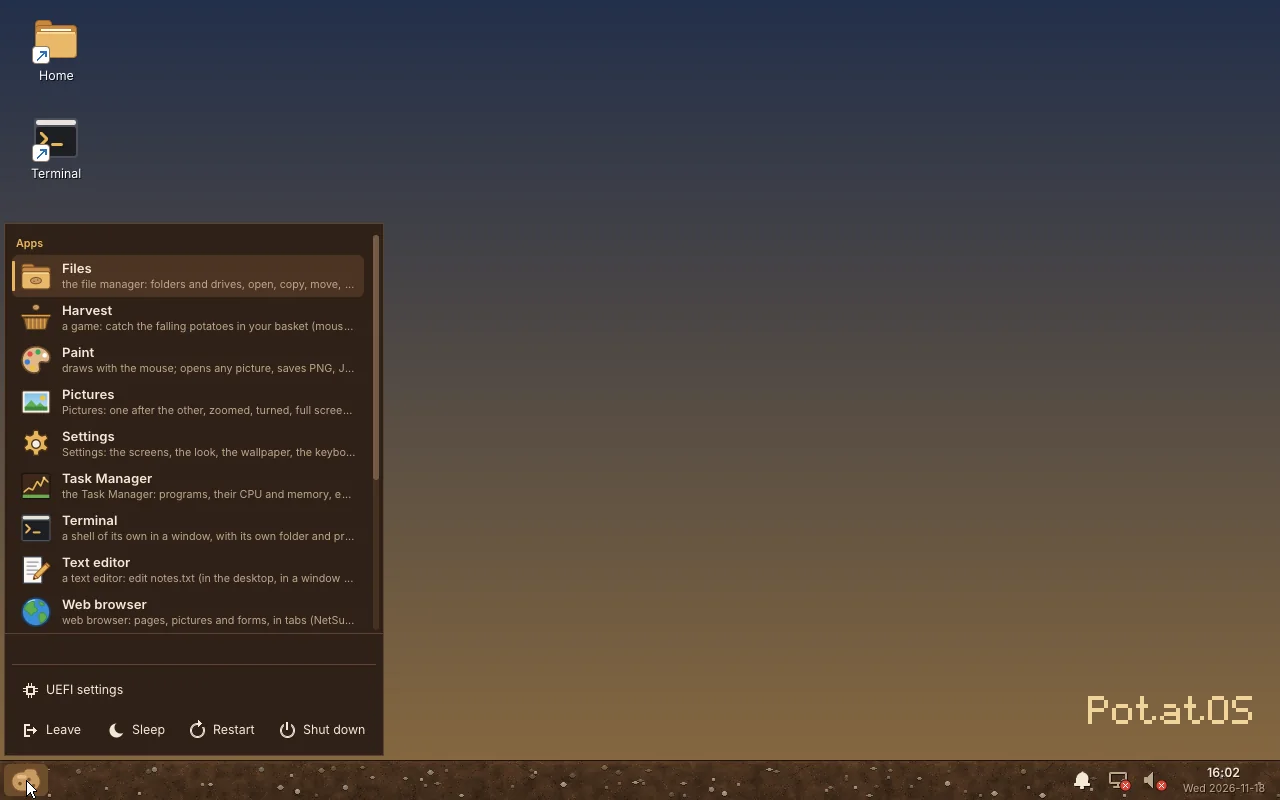
The desktop, its Start menu and the taskbar, all drawn by PotatOS's own window server.
What's inside
No Linux kernel and no borrowed desktop underneath: PotatOS has its own loaders, kernel, file systems, drivers and apps, with well-known libraries ported on top where they make sense.
A 64-bit kernel that runs everyday system calls on every core at once, keeps time to the microsecond, and has a watchdog that catches a stuck core and shows what it was doing.
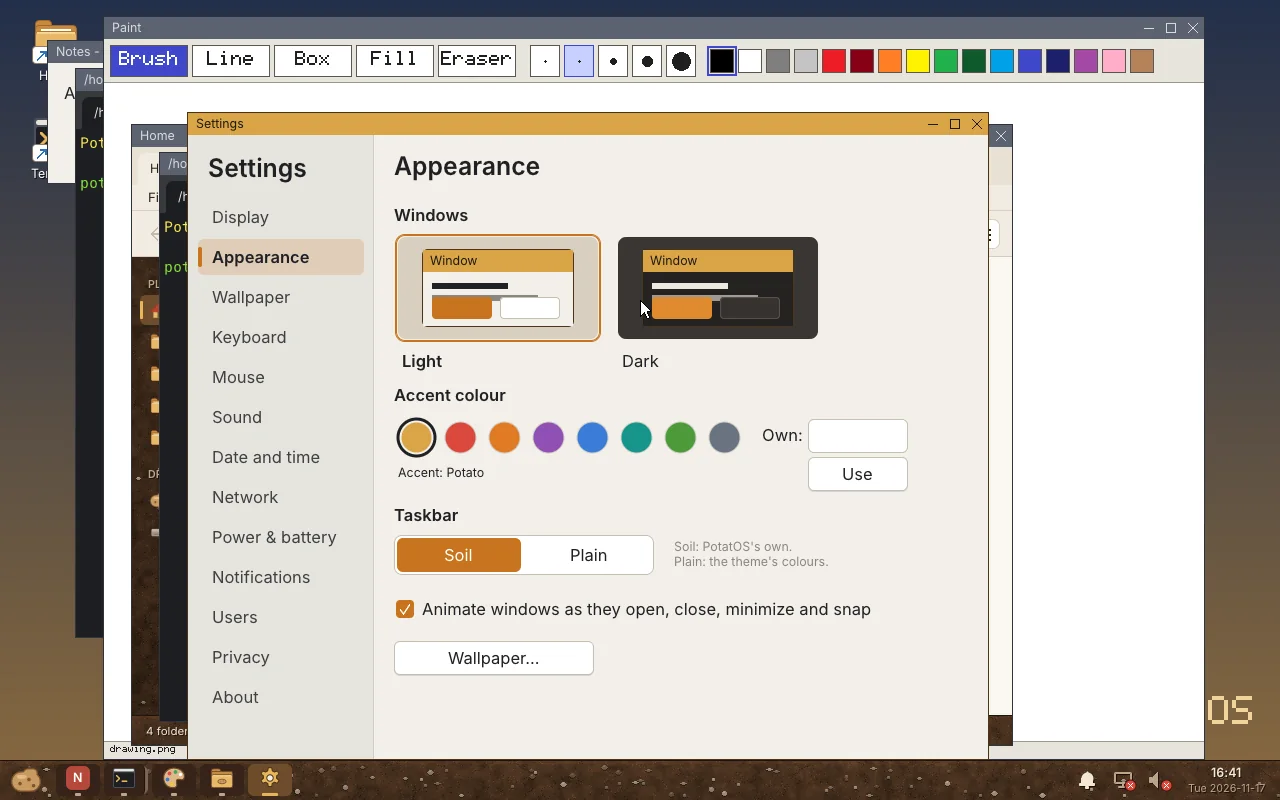
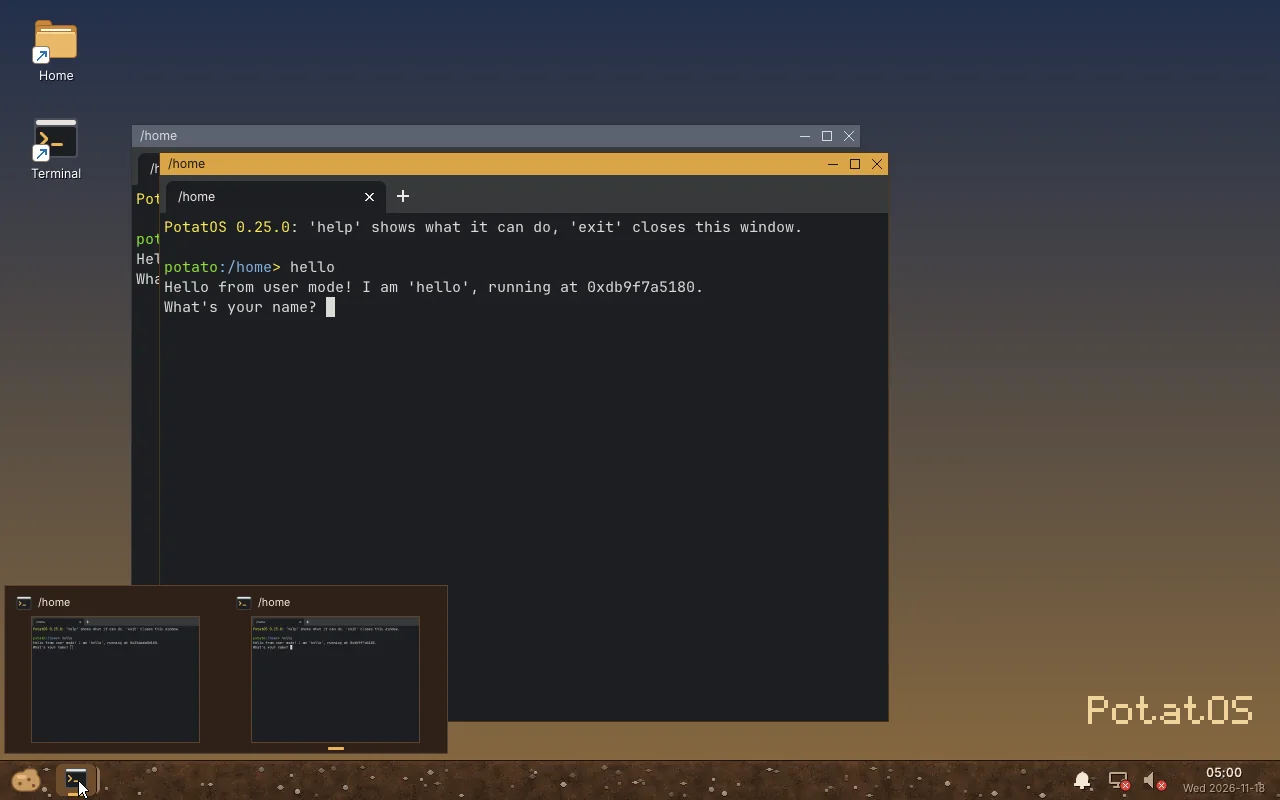
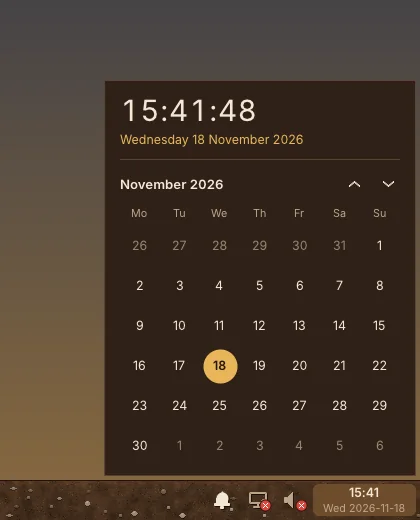
Windows that snap and animate, a taskbar with live previews and a calendar, a Start menu, and apps: Files, Settings, Task Manager, Terminal, Paint, Pictures and a text editor.
Every kernel is checked before it starts. A new version goes into a second slot and is started on trial: if it doesn't get going, the version before comes back by itself.
Apps run in a sandbox and ask before they use the network, the camera or your files. Your answers are in Settings, under Privacy, where you can change them.
Built-in and USB sound, Bluetooth headphones, Intel Wi-Fi and IPv6, with display drivers for Intel, NVIDIA and AMD graphics.
A video player, webcams and screen recording, and pictures in AVIF, HEIC and JPEG XL as well as PNG, JPEG and WebP.
Signed packages with games such as DOSBox Staging, ScummVM, OpenTTD and Doom, plus a C library, C++ and Rust for writing your own programs.
In the same virtual machine, the V8 JavaScript engine's JetStream benchmark scores 99.4% of what it does on Linux.

Solanum is PotatOS's own build of Chromium, named after the potato plant's genus. It brings the whole modern web to PotatOS: video, video calls, Chromium's sandbox around every site, and a built-in content blocker.
Until then, PotatOS comes with NetSurf, a small browser for simple pages.
Roadmap
Each release has a theme. Here's what comes next, in order.
Solanum, the Chromium-based browser, with video, calls and a content blocker.
Hardware acceleration on NVIDIA and AMD graphics cards.
Material 3 in every app, rounded windows with shadows, colours from your wallpaper in light or dark mode, the classic Potato skin, and Spud the assistant.
A kernel that checks itself and is tested at every change, swap, and Linux programs running unchanged.
Wayland and X11 apps such as GIMP and LibreOffice, Flathub and AppImages, Windows programs through Wine, and Steam games through Proton.
A screen reader and magnifier, English and French, time zones, more keyboard layouts and printing.
Encrypted disks, a firewall, VPNs, updates from the internet, backups, and signing in with your Google account.
Installed next to Windows, updated from the internet, safe, usable with a screen reader or in another language, and able to run the programs you already have.
Downloads aren't public yet. See what you'll need and how it will work.